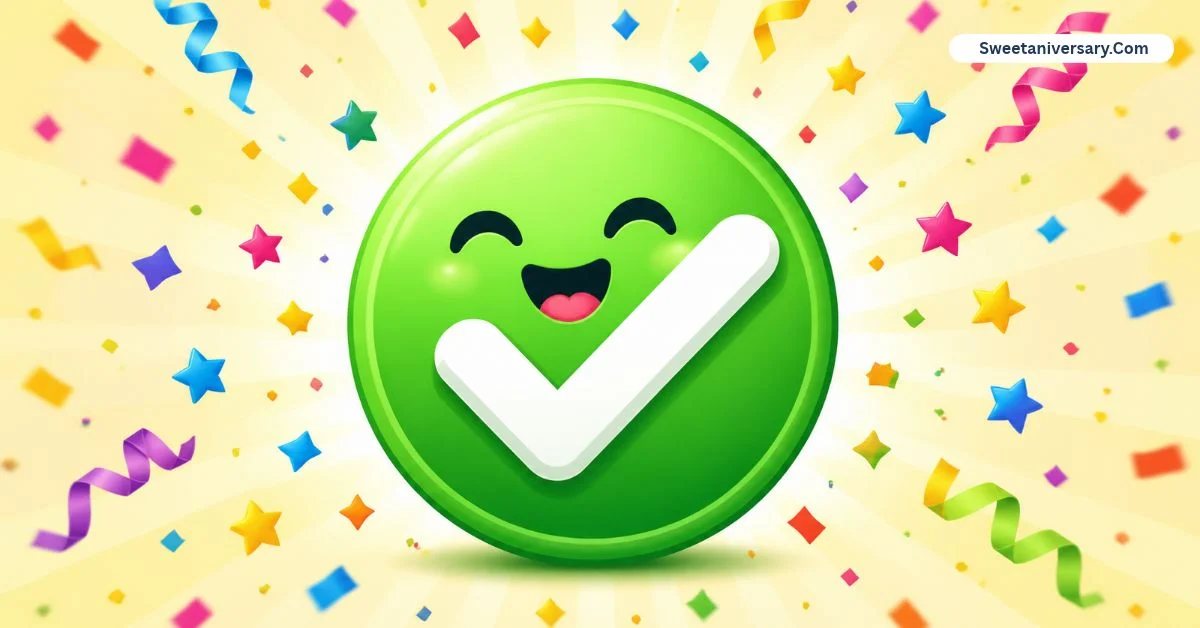
Tiny green box, huge relief — ✅ is the emoji that quietly says “done, handled, approved.”
Picture our family group chat on the morning of a picnic. Twenty people, one shared shopping list, and total chaos. Then my aunt started replying to each item with a single ✅ — drinks ✅, sandwiches ✅, chairs ✅.
No long messages, no confusion. By 9 a.m. the plan simply… existed, confirmed line by line. That is the everyday magic of the green check emoji.
It is the digital nod, the tick on the list, the “yes, I saw it and it’s sorted” that busy people trade a hundred times a day.
This guide breaks down what ✅ really means, how it differs from its check mark cousins, and the smartest ways to use it in chats, lists, bios, and posts.
What does green check emoji mean?
The green check emoji ✅ is officially named Check Mark Button. It shows a bold white tick inside a bright green square, and it carries a cluster of positive meanings: confirmed, correct, completed, approved, available, and agreed. It is the visual opposite of ❌ — where the cross says stop, the green check says go.
It belongs to a small family of check symbols, and they are not interchangeable:
| Symbol | Name | Best use |
|---|---|---|
| ✅ | Check Mark Button | Confirmations, completed tasks, “yes” replies |
| ✔️ | Heavy Check Mark | Plain-text ticks, documents, typed lists |
| ☑️ | Ballot Box with Check | Voting, forms, selected options |
| 🟢 | Green Circle | “Online,” “available,” “go” status |
| ❎ | Cross Mark Button | The negative twin — rejected, not available |
In short: ✅ is the friendliest, loudest check of the family — the one designed to be spotted instantly in a busy chat.
How to use green check emojis
- Confirming plans. “See you at 7 ✅” — one character replaces “yes, confirmed, I will be there.”
- Running a to-do list. In notes apps and WhatsApp lists, ✅ beside finished tasks turns chaos into visible progress.
- Marking answers. Teachers and tutors drop ✅ on correct homework in chats — praise and grading in a single tap.
- Selling online. Marketplace sellers write “Available ✅ | Delivery ✅ | Price fixed” to answer three questions before they are asked.
- Business updates. “Order packed ✅ Shipped ✅ Delivered ✅” is a whole customer-service conversation in three ticks.
- Agreeing silently. In big group chats, a lone ✅ under a proposal means “I’m in” without adding noise.
The pattern is simple: wherever a person would nod, tick a box, or stamp APPROVED, the green check fits.
Best emoji combinations for copy paste
- ✅💯 — done, perfectly
- ✅✨📋 — list complete, beautifully
- ✅🚀 — approved and launched
- ✅💪🔥 — workout finished
- ✅📚✏️ — study session done
- ✅🙌 — agreed, with celebration
- ✅💸 — payment confirmed
- ☑️☑️⬜ — a checklist almost there
- ✅🏠🔑 — moved in / keys received
- ✅🎯 — goal hit exactly
My favorite for project chats is 📌✅ — pin it, then tick it. Everyone instantly knows the task is both important and finished.
Aesthetic emoji ideas for social media
✅ is the backbone of the productivity aesthetic. Studygram and “that organized life” accounts build bios like “📚 med student | ✅ daily habits | 📍 library” and caption their routine posts with checklists: “5 a.m.
wake-up ✅, journalism ✅, gym ✅.” The ticks make progress feel visible and satisfying to scroll.
Small businesses love it too. Instagram shops put ✅ in highlights and captions — “Cash on delivery ✅,” “Nationwide shipping ✅” — because customers trust a tidy list more than a paragraph.
On Ticktock, creators flash ✅ over each completed step of a recipe, routine, or transformation, turning the emoji into a progress bar.
Even Notion and planner communities trade templates decorated with ✅ as the universal “this system works” stamp.
For a clean look, keep checks aligned in a vertical list rather than scattered — the orderliness is the aesthetic.
Common problems and solutions
Problem: People think ✅ means “verified.” The verification badge on X or Instagram is a different, platform-issued check that you cannot type. ✅ is just an emoji anyone can add. Solution: never trust a typed ✅ as proof of identity — check the account itself.
Problem: ✔️ sometimes turns red or black. The heavy check mark renders differently per platform — on some Japanese-influenced styles it appears red, elsewhere plain black. Solution: when color matters (green = go), always choose ✅, whose green box is consistent.
Problem: Screen readers repeat “check mark button” endlessly. A list of twenty ✅ is annoying for visually impaired readers. Solution: in public posts, put one ✅ per line of a short list, not five after every sentence.
Problem: It reads as cold in personal chats. Replying to emotional news with bare ✅ can feel dismissive. Solution: add warmth — “That’s amazing, so proud of you ✅🙌” — when the moment deserves more than a tick.
Trending emoji usage in 2026
In 2026, ✅ has become the unofficial logo of getting things done online. Habit-tracker communities post daily check-in threads where hundreds of people reply with nothing but ✅, building streaks the way fitness apps do.
Sellers on social shops have standardized the “✅ = available, ❌ = sold out” code in captions, so buyers can scan a whole page in seconds.
A newer habit: creators end tutorial captions with a “copy my system” checklist, each line ticked with ✅, because the visual completeness quietly boosts saves and shares.
And in work culture, the green check has replaced “noted” — the fastest professional reply of the year is a single green box that says yes, seen, sorted. Small symbol, enormous workload.
FAQs
What does ✅ mean in texting?
It means yes, confirmed, done, or correct. It is a quick visual nod — the sender has seen your message and everything is sorted.
What is the difference between ✅ and ✔️?
✅ is a white tick inside a green box, designed to stand out. ✔️ is a plain heavy tick that blends into typed text, better for documents and lists.
Does the green check emoji mean an account is verified?
No. Anyone can type ✅. Real verification badges are issued by the platform and appear as part of the profile, not inside posts or names you can edit.
How do I copy and paste the green check emoji?
Long-press ✅ here, tap copy, and paste it into any app. On a computer, highlight it and press Ctrl+C (Windows) or Cmd+C (Mac).
How do I type ✅ on a keyboard?
On Mac, open the emoji picker with Ctrl + Cmdr + Space and search “check.” On Windows, press Win + . and search “check mark.” On phones, it lives in the symbols section of the emoji keyboard.
Conclusion:
The green check emoji ✅ is a simple and powerful way to show approval, confirm information, mark tasks as complete, and highlight correct answers.
Whether you’re creating Instagram captions, sharing Whats-app messages, posting Ticktock content, or organizing your daily tasks, this useful emoji makes your messages clear and engaging.
From ✅ and ✔️ to ☑️ and 💚, there are plenty of options for every situation.
Looking for the best green check emoji to copy and paste? ✅✨ Explore our collection of green check emojis, creative combinations, and practical examples to make your messages stand out.
Find your favorite symbols, add them to your posts, and make every confirmation clear, quick, and eye-catching! 💚📱